Congrats! Extension is installed.
How to Use It?
1. Pin the "Copy Text from Image" extension.

2. Left click the extension icon and select the text area.

3. Wait a few seconds to get the extracted text — ready to copy, edit, or change the recognition language if needed.

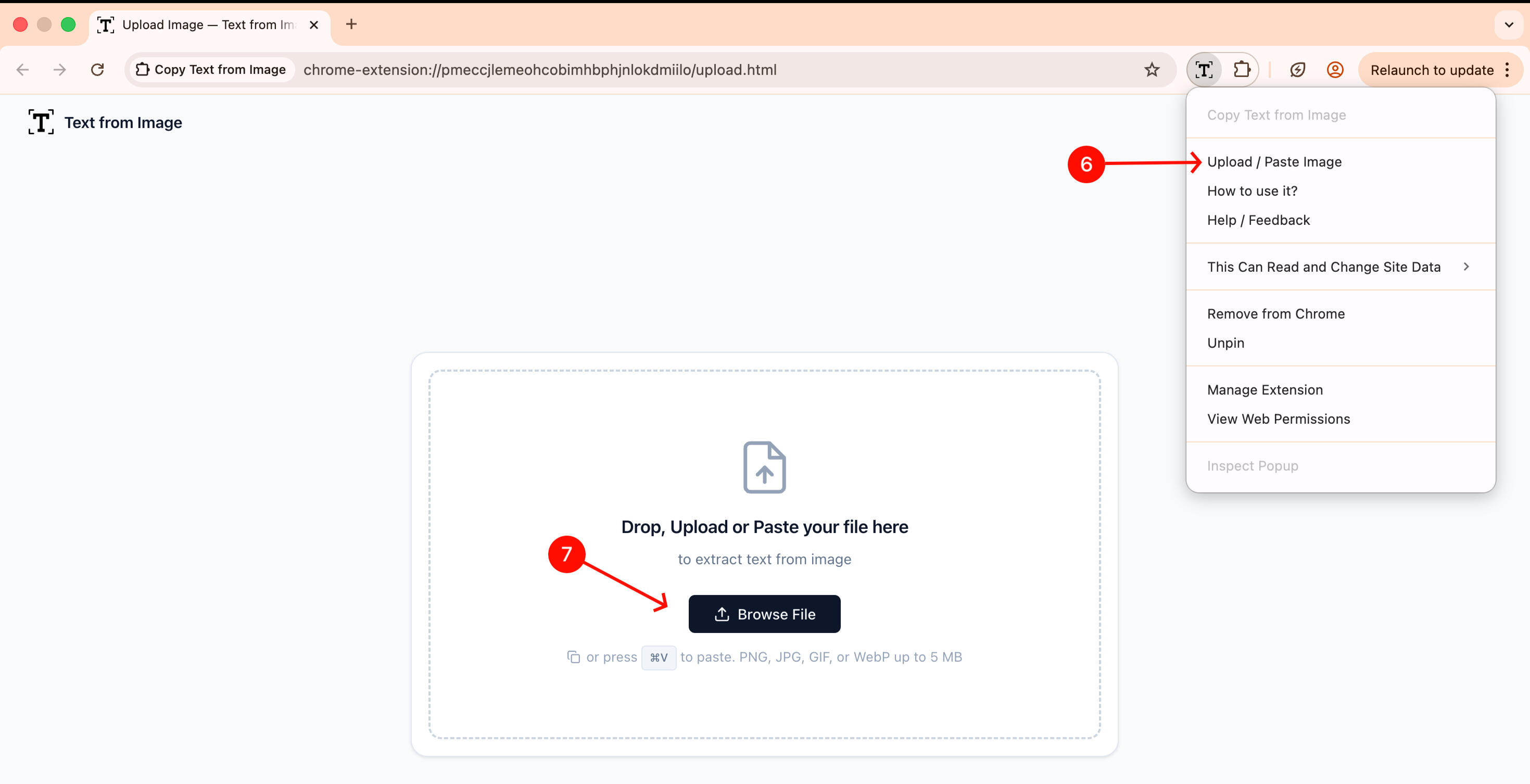
4. Alternatively, right click the extension icon and choose "Upload / Paste Image" to extract text from an uploaded or pasted image instead.